
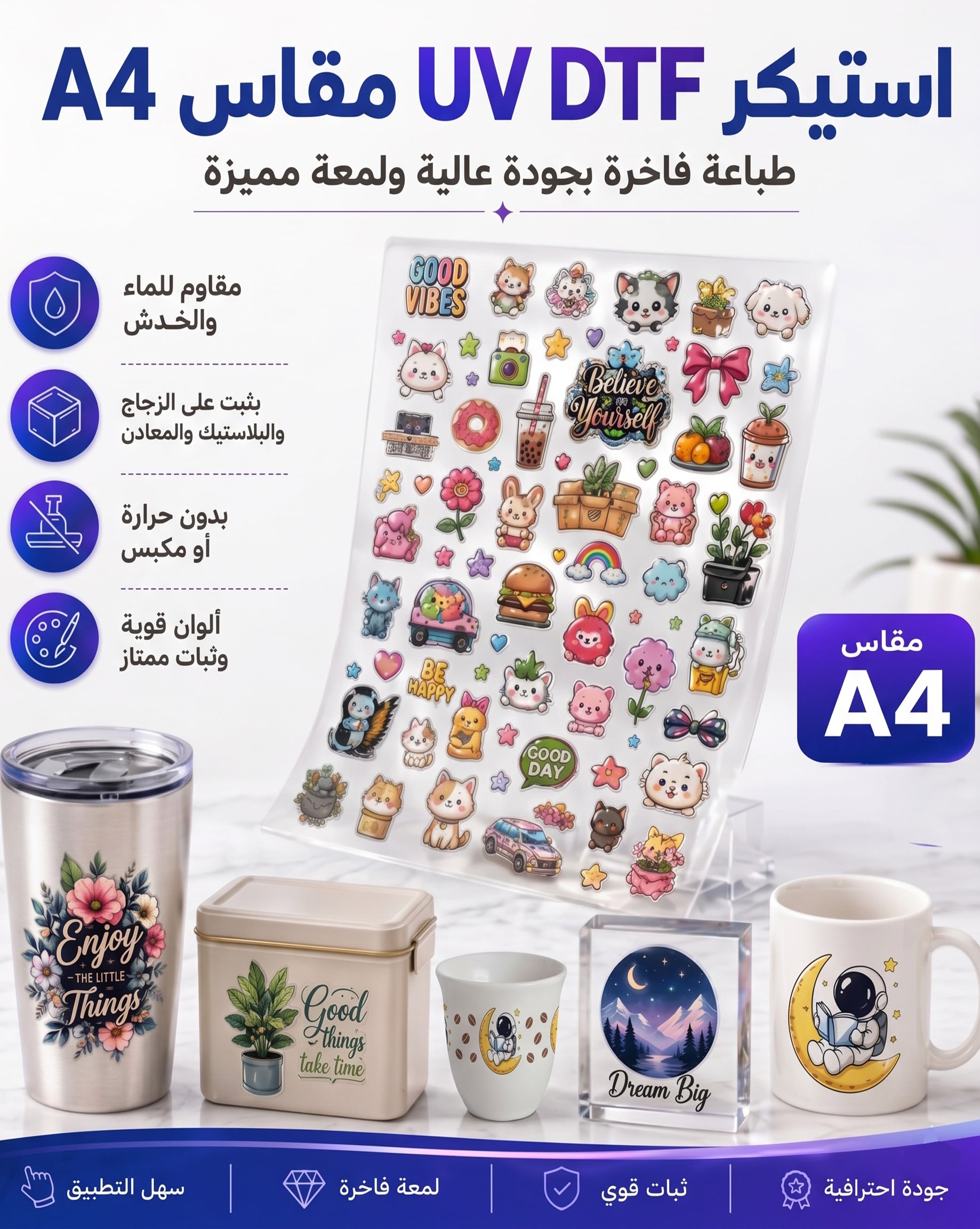
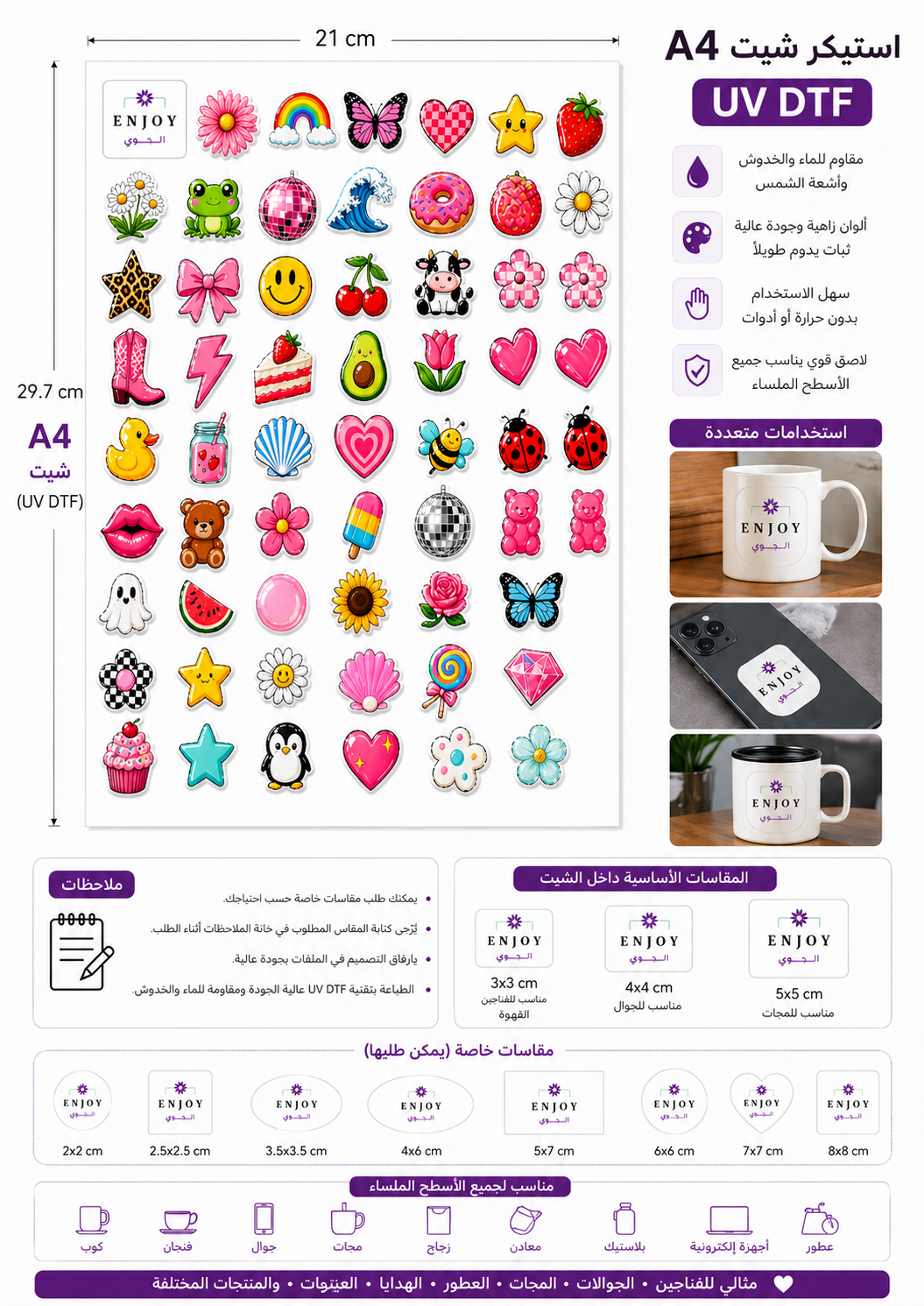
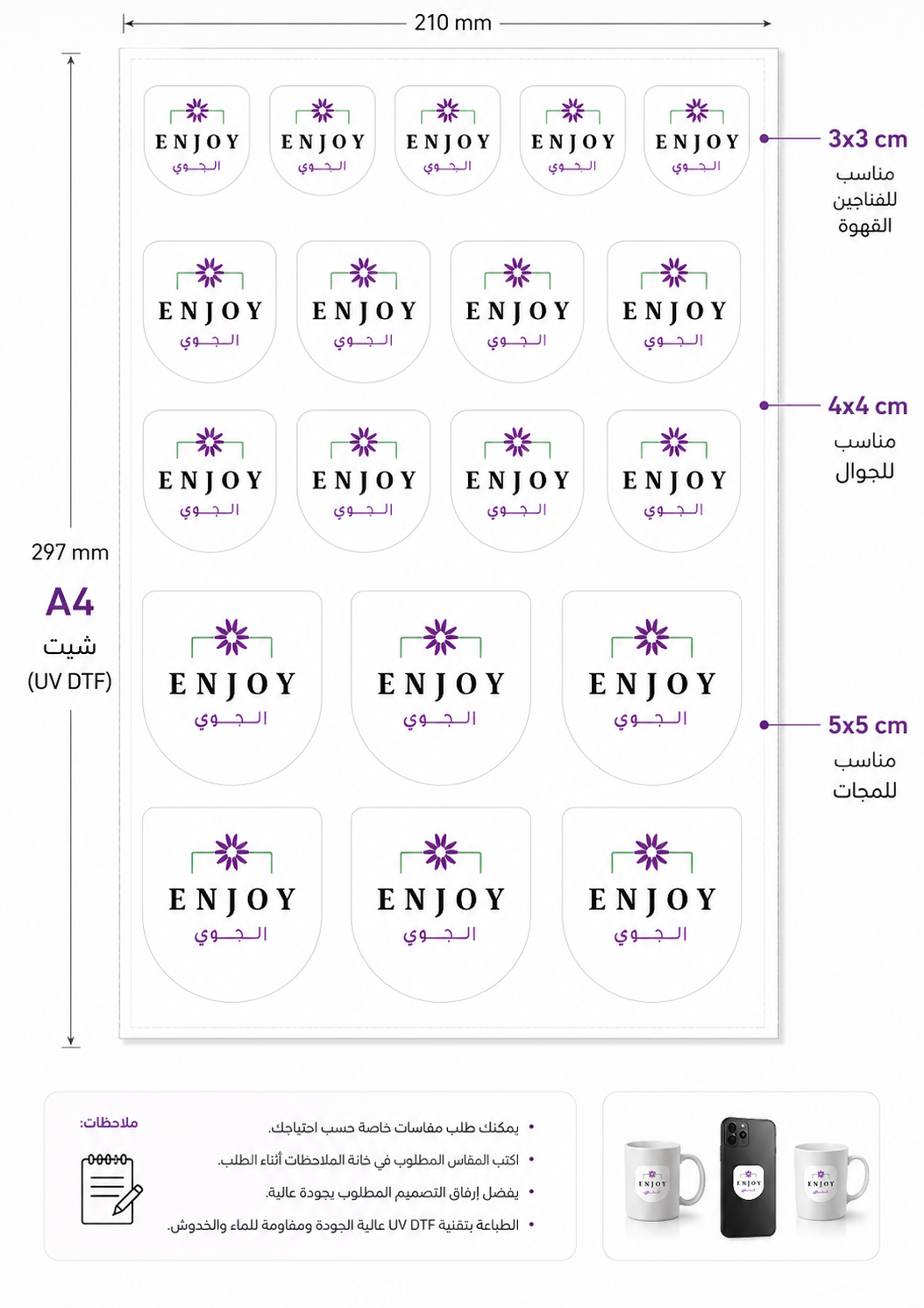

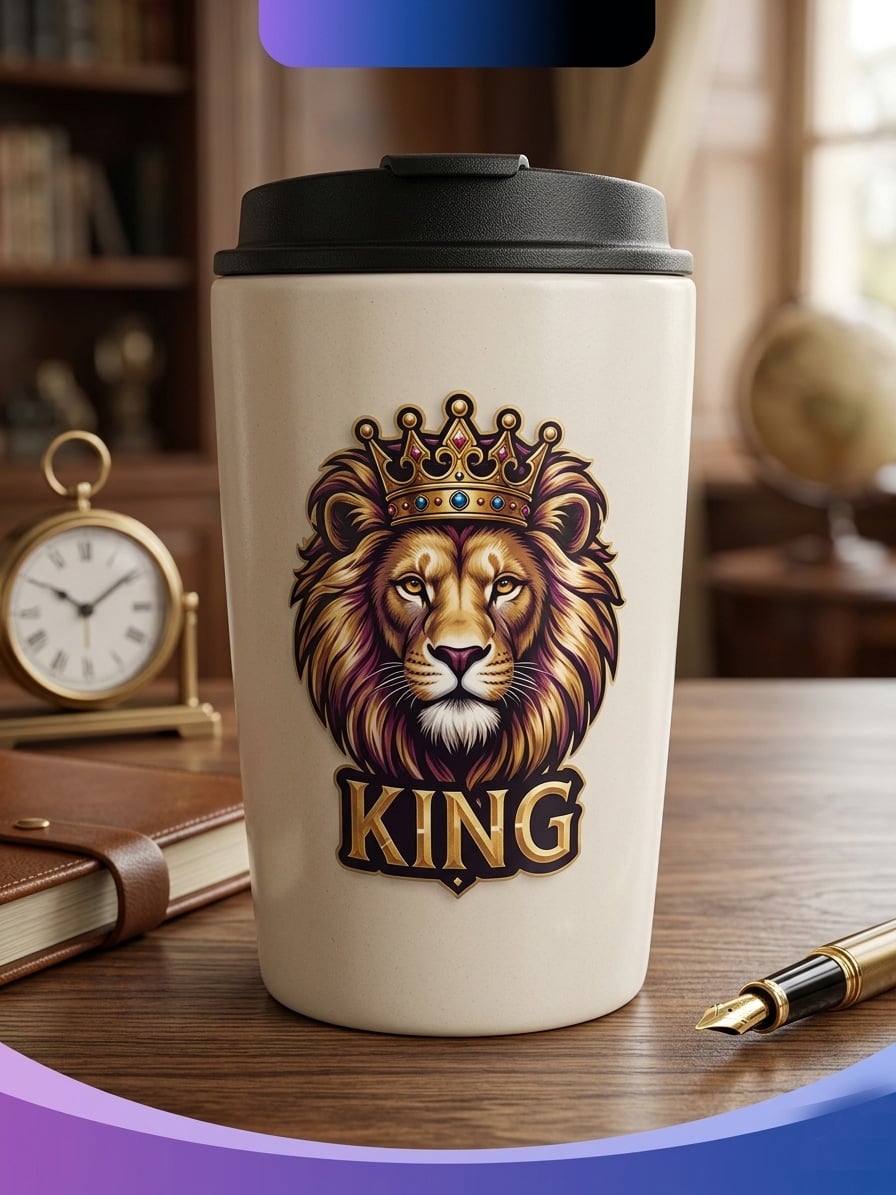

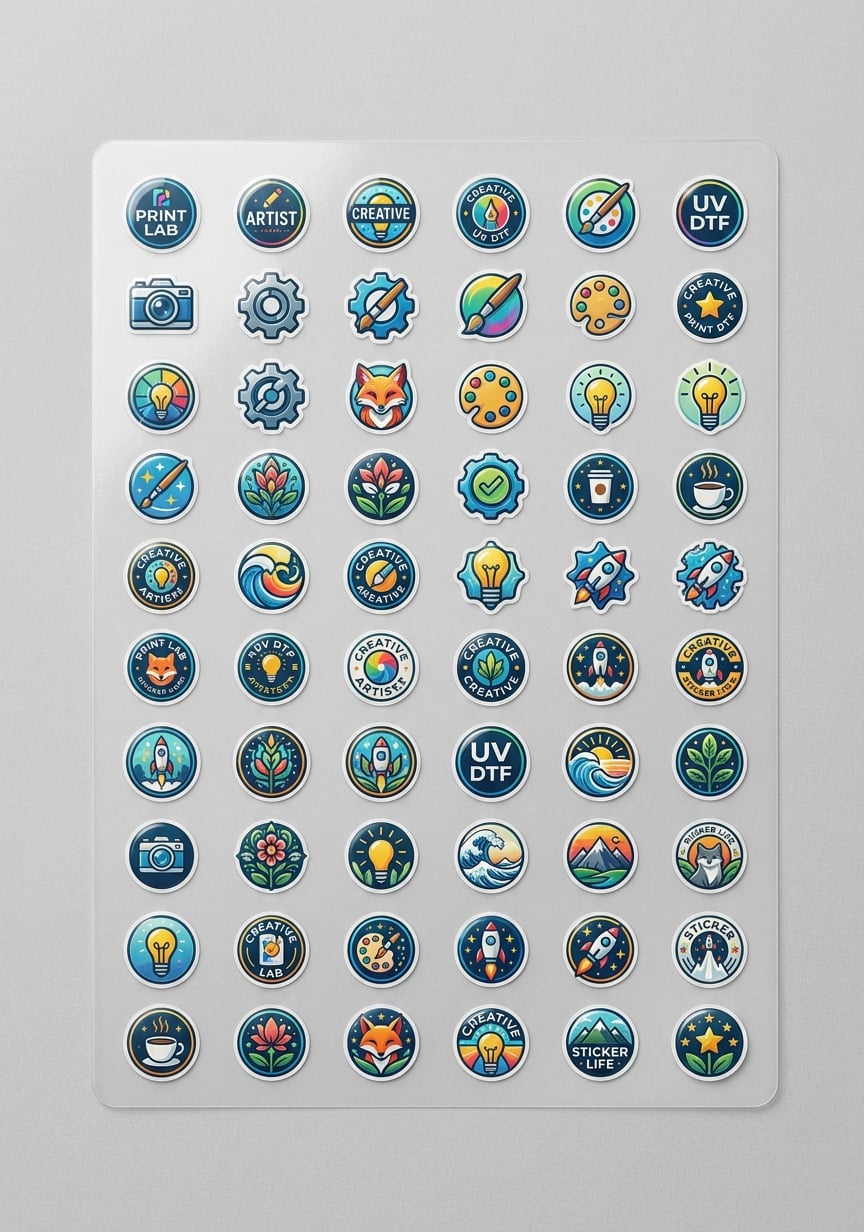

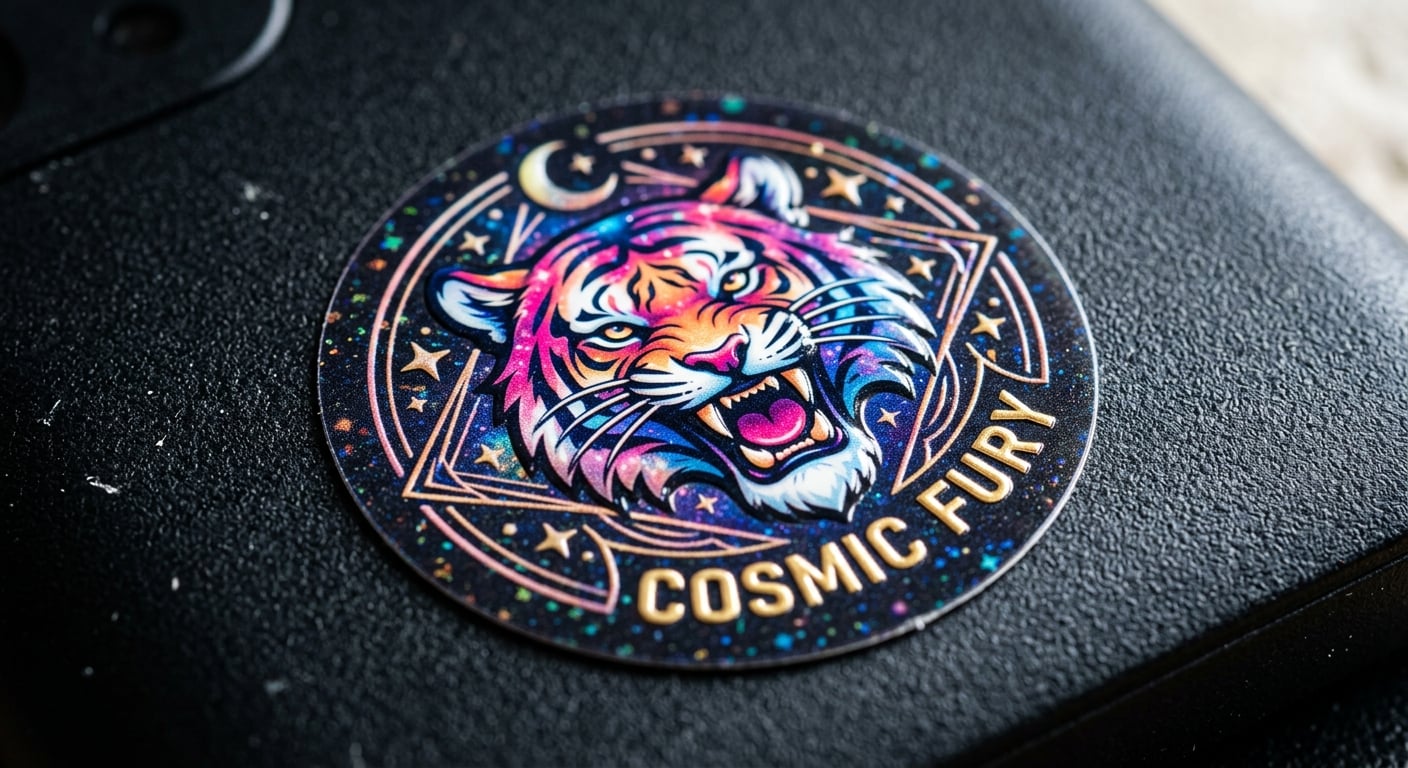
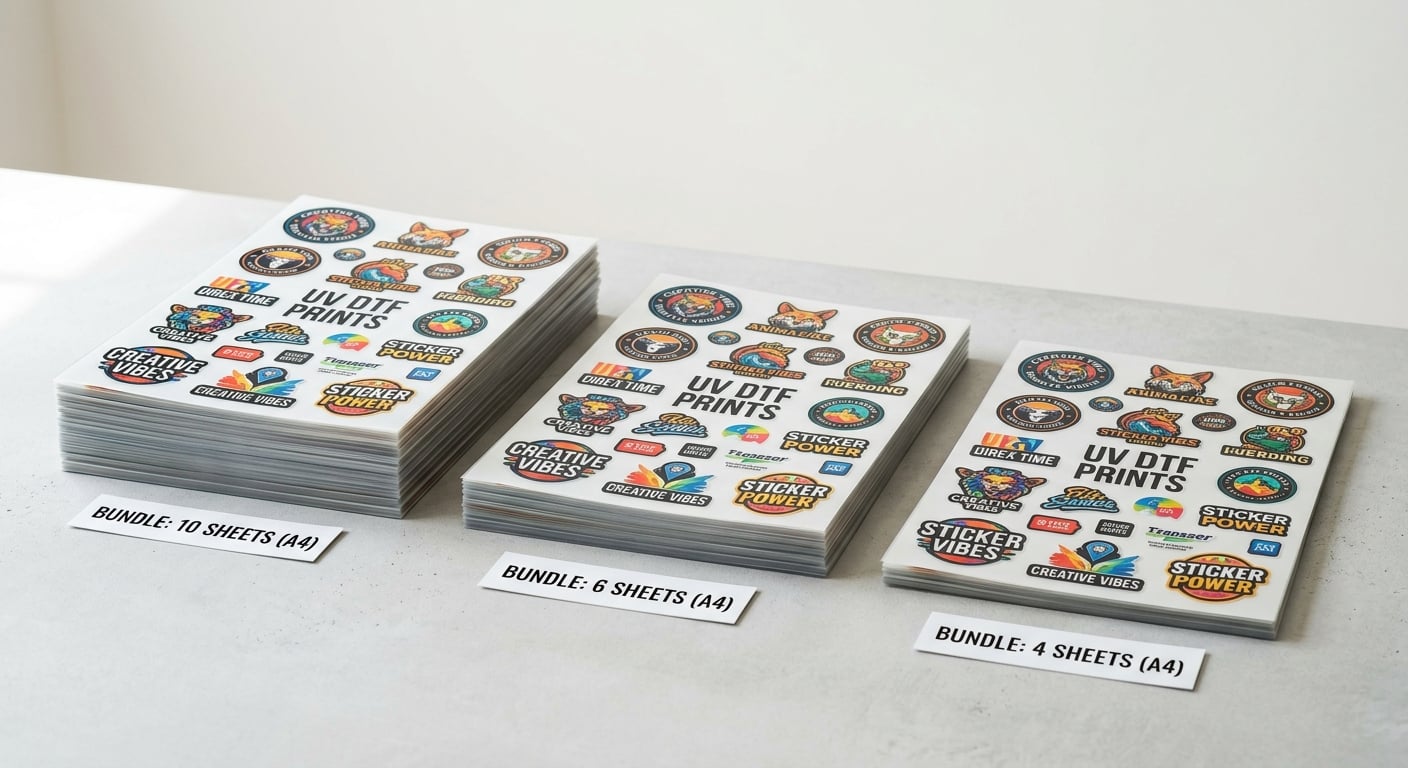
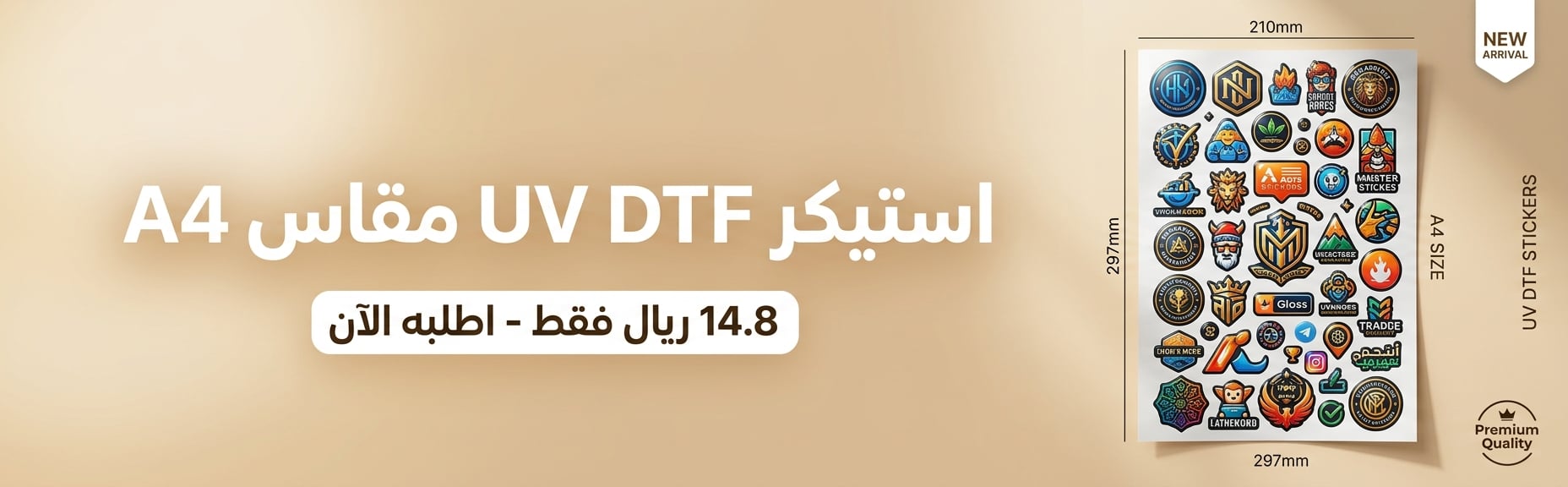

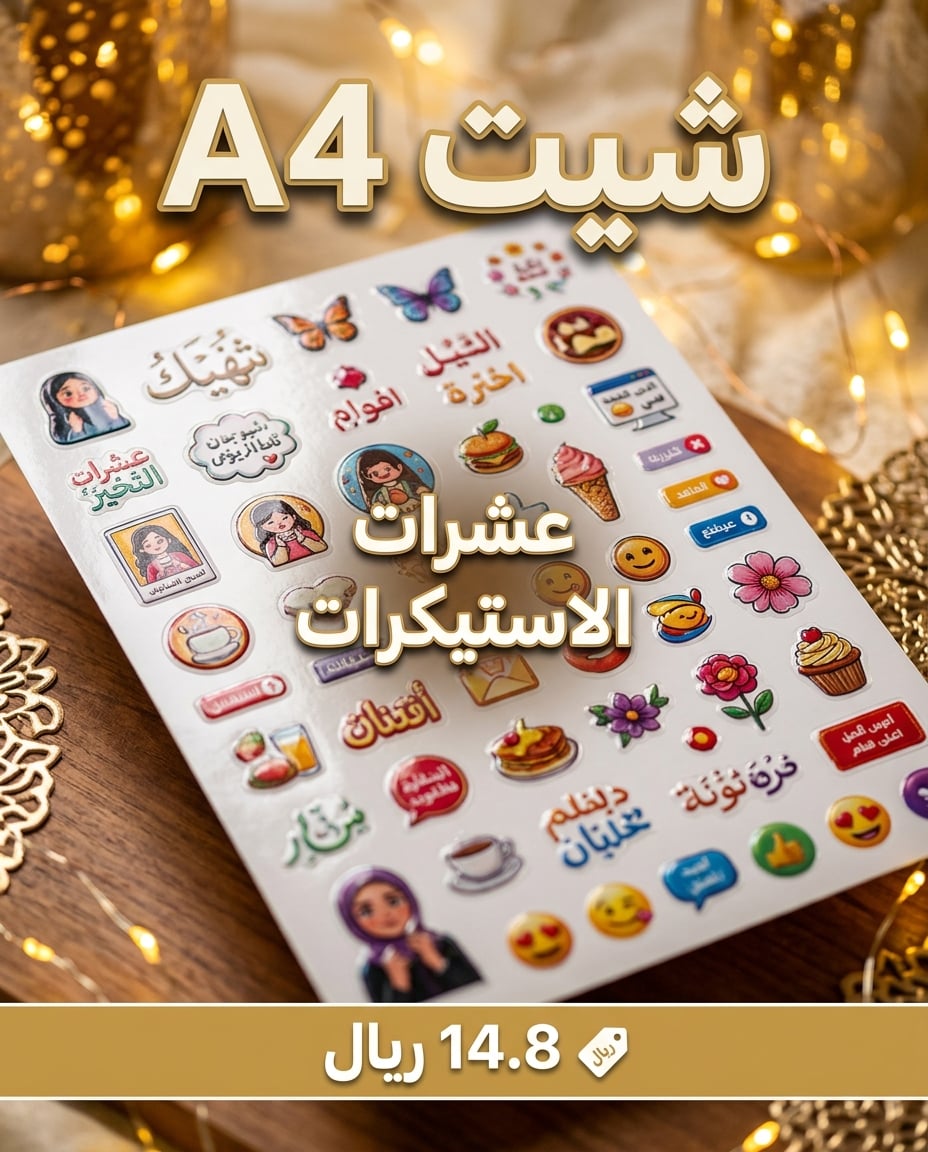
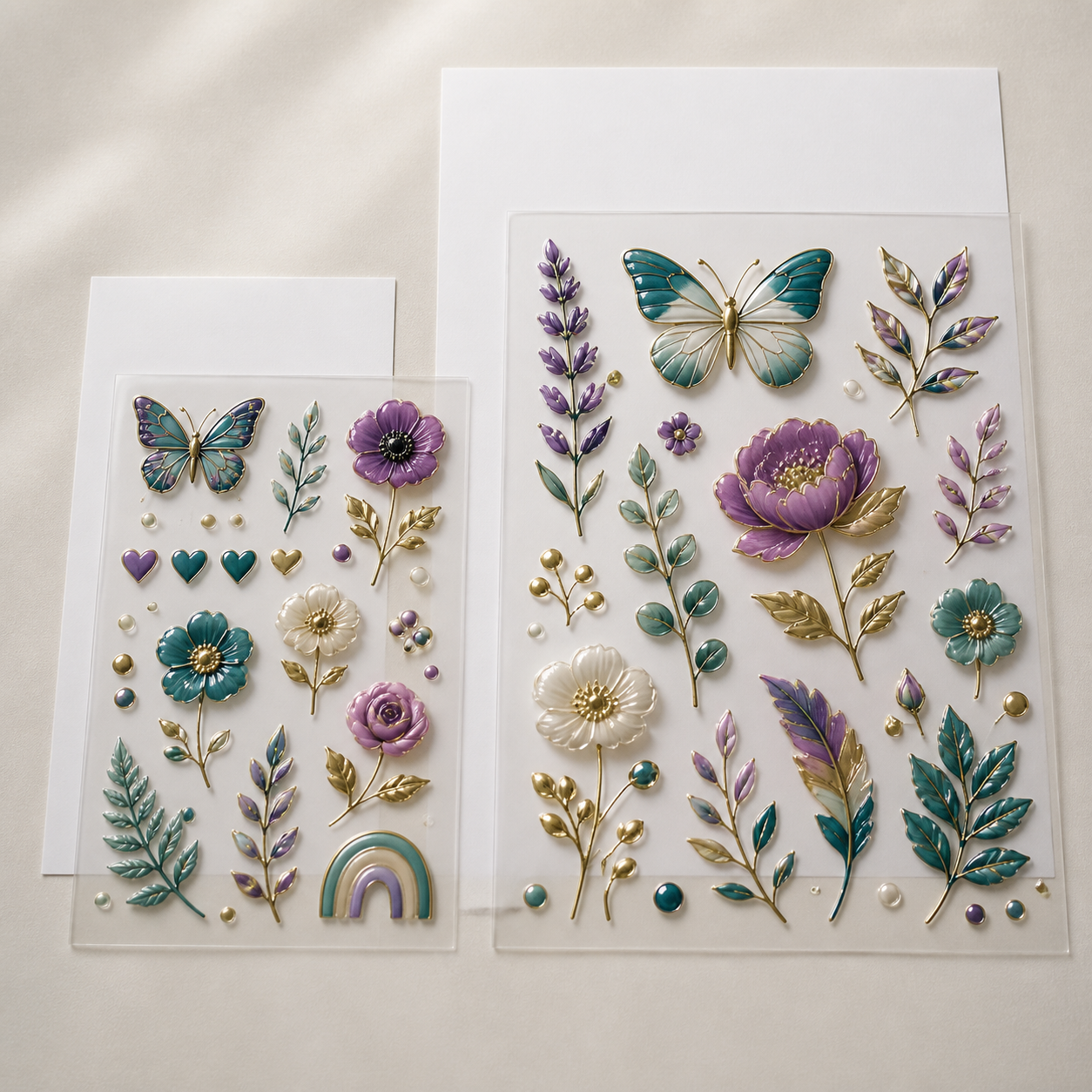
Custom A4 UV DTF sticker sheet is a practical choice for small quantities and testing a design before moving to larger formats. Arrange several logos or designs on one sheet and transfer them directly to smooth hard surfaces without a heat press.
Product Specifications
- Sheet size: A4.
- Order options: 4, 6, or 10 sheets.
- Common design sizes: 3 × 3, 4 × 4, or 5 × 5 cm, or a custom size.
- Application: direct transfer to smooth hard surfaces.
- Artwork: upload a ready file or select the paid design service.
Ideal For
- Cups, mugs, and Arabic coffee cups.
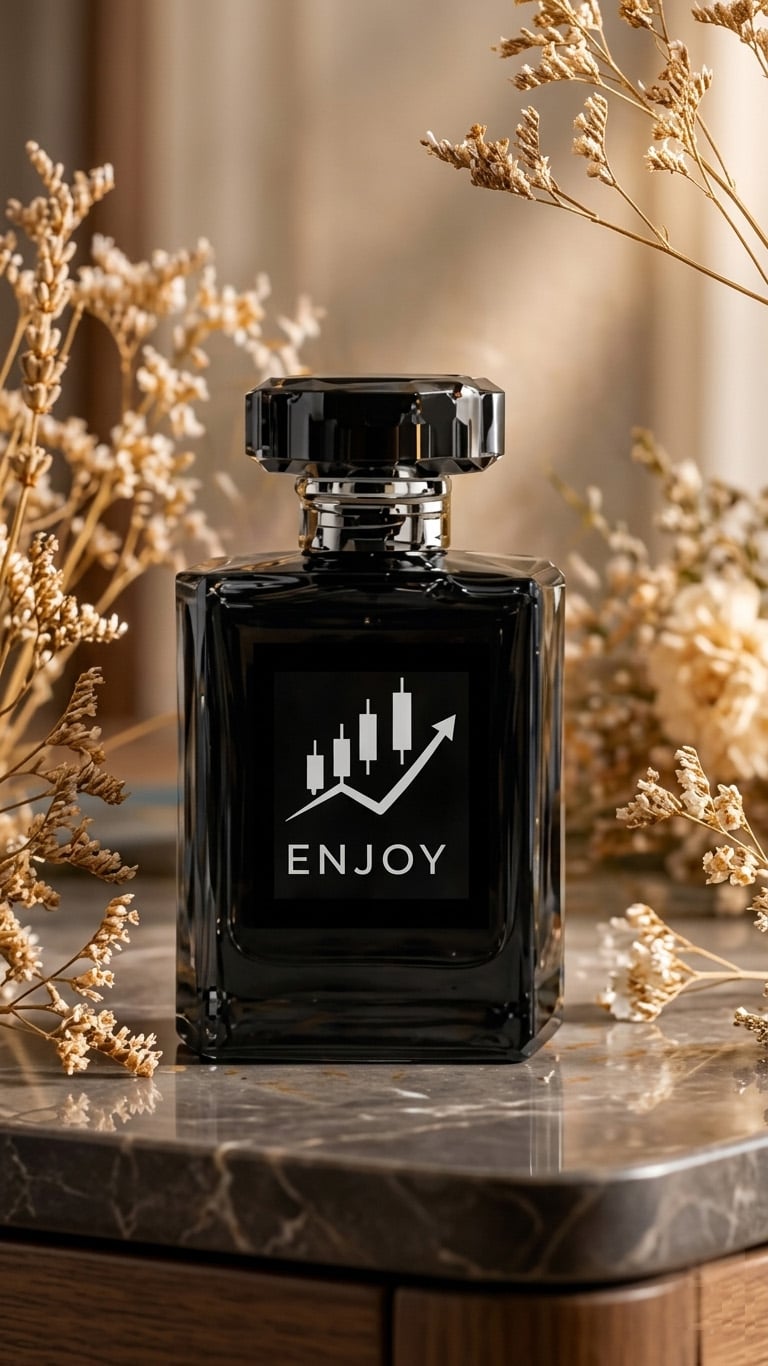
- Perfume and cosmetic packaging.
- Gift boxes, packaging, and promotional products.
- Testing a new product or ordering a limited quantity.
Before Uploading Your Design
- A transparent PNG or high-quality PDF is preferred.
- Make sure text and small details are clear.
- The number of stickers per sheet is approximate and depends on design size, shape, and spacing.
Application
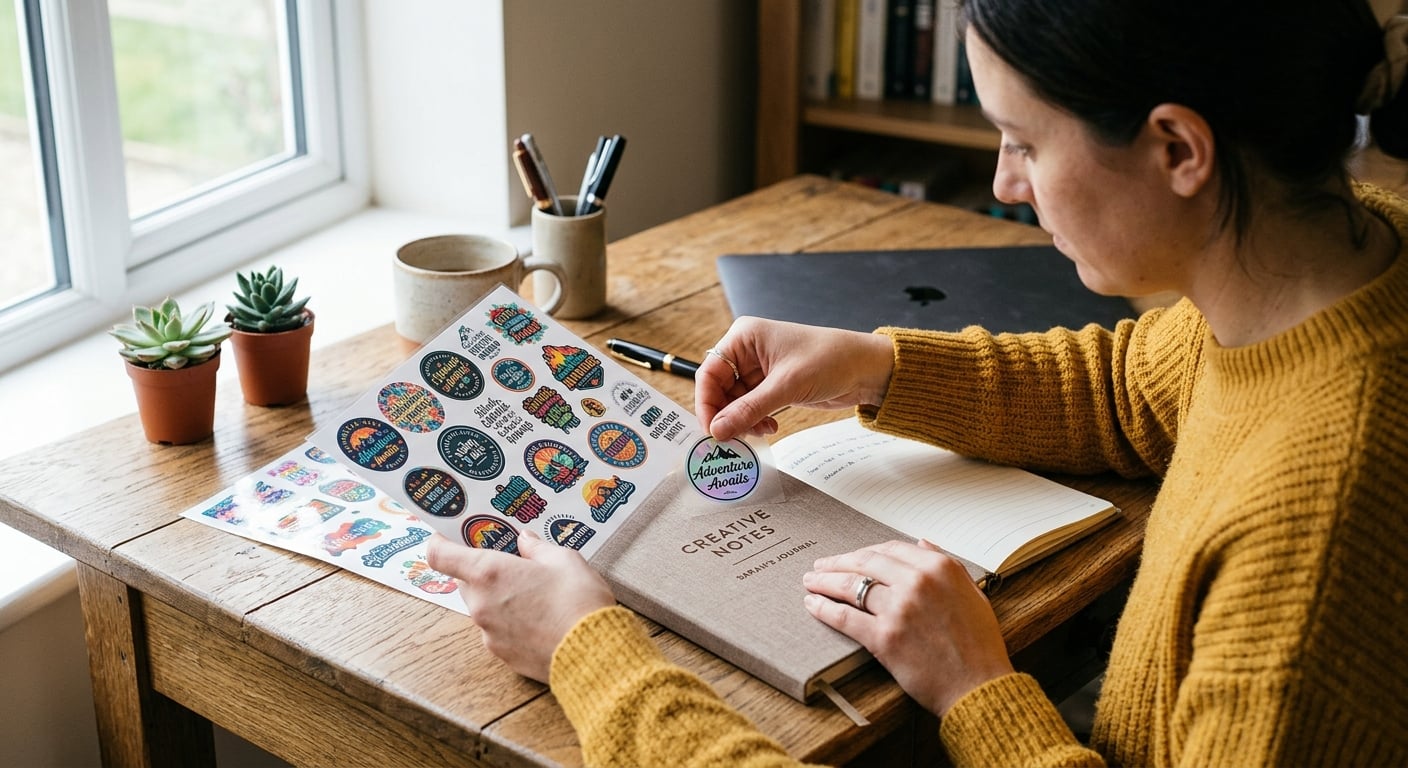
- Clean the surface and let it dry.
- Position the design and press firmly.
- Slowly remove the transfer film.
If you need more space and more stickers, choose the A3 UV DTF sheet. For continuous printing, see 30 cm UV DTF by the meter or browse the UV DTF category.
Frequently Asked Questions
- Is A4 suitable for testing?
Yes, it is ideal for small quantities and testing before moving to A3 or printing by the meter. - How many designs fit on a sheet?
The number depends on each design’s size, shape, and required spacing. - Does it require heat?
No. UV DTF transfers directly to the surface without a heat press. - Which surfaces are suitable?
Smooth hard surfaces such as glass, acrylic, metal, and suitable containers. - What file format is best?
A transparent PNG or high-resolution PDF with clear small text. - Can I print more than one logo?
Yes, multiple logos or designs can be arranged within the A4 sheet. - Can I request a custom design size?
Yes, within the A4 printable area and subject to file review and production feasibility. - How is it applied?
Clean and dry the surface, position the design, press evenly, then slowly remove the transfer film. - When should I choose A3 instead?
Choose A3 for larger designs or when you need more stickers per sheet.