

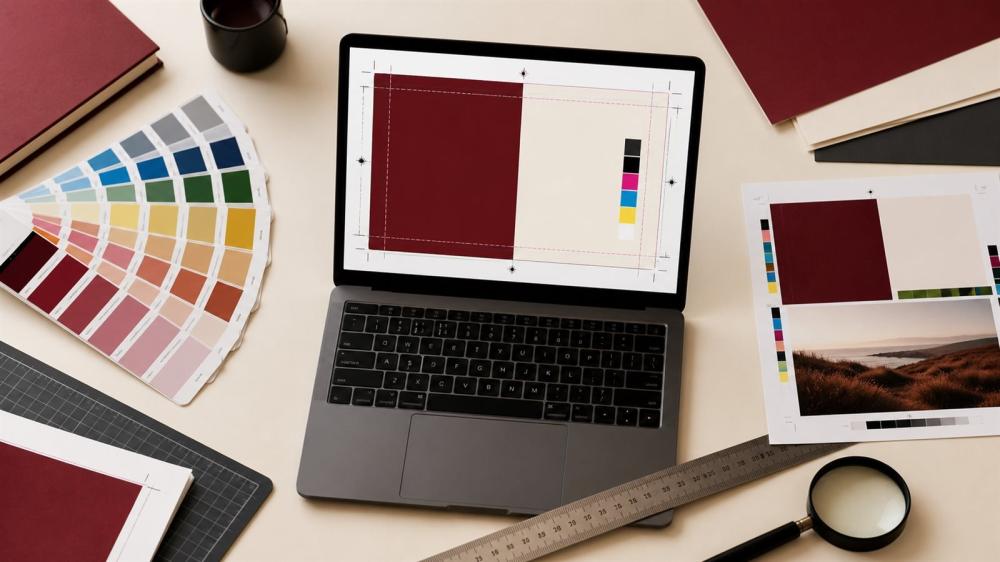
Preparing the Right Print File: Resolution, Colors, Size, and Margins
Execution quality begins before the file goes to print. An unclear file or an approximate size causes edits and delays that could have been avoided.
Determine the Actual Size
Write the width and height in centimeters or millimeters, and don't rely on how the design looks on screen. Test a true-to-size model if it will be applied to a product or package.
Choose the Right Format
• PDF for final files with multiple elements.
• SVG or AI for logos and precise cutting.
• High-resolution PNG for designs with transparent backgrounds.
• Avoid screenshots and compressed images.
Check the Resolution
Low-resolution images may look fine on your phone but appear blurry when enlarged. Use the original source and avoid re-saving the file multiple times.
Colors and Fonts
Colors may vary slightly between screen and print. Use approved brand identity codes, and convert fonts to outlines or send the font name to avoid it being substituted.
Margins and Cutting
Leave a safe space around text and logos, and add bleed when needed. Don't place important information right at the cutting edge.
Discover the Right Services
Browse all custom printing solutions
Request design service when needed
Checklist
• Size and orientation.
• Spelling and numbers.
• Resolution and background.
• Colors and fonts.
• Margins and cut line.
• Final approved version.
Print File Terms Explained
When ordering any printed product, you will hear terms such as resolution, bleed, safe area and CMYK. Understanding them lets you prepare the right print file the first time and cuts down on review and revisions. At ENJOY STORE we check every file before production, and here is a simple explanation of the key requirements.
Resolution
Resolution is the number of dots per inch (DPI). The print standard is 300 DPI at actual size. So if a sticker is 10 cm wide, the image needs roughly 1200 pixels across. Large prints viewed from a distance, such as signs and roll-ups, can work with lower resolution.
Bleed
Bleed is the extension of the background or colours about 2 to 3 mm beyond the cut line on each side, so no white edges appear if the cut shifts slightly. It is essential for cards and paper prints and for stickers where the background fills the whole area.
Safe area
This is the inner margin from the cut edge, ideally no less than 3 mm. Keep all important text, logos and numbers inside it so nothing gets trimmed.
CMYK vs RGB
Screens display colour in RGB, and printing uses CMYK. If you design in the wrong mode, some bright colours may look calmer in print. It is best to design in CMYK for paper prints and to keep your brand colour codes.
File Requirements by Product Type
- Contour-cut stickers: a transparent-background file with a clear cut line or enough space around the design.
- Die-cut sticker sheets: arrange the designs with space between them; see multi-design sticker sheets.
- UV DTF stickers: a transparent PNG or vector file, and very thin lines need enough thickness.
- DTF fabric printing: a transparent file at the real size of the print position on the garment.
- Laser cutting and engraving: a vector file with cutting separated from engraving; see preparing laser artwork.
- Paper prints: a PDF with 3 mm bleed, a safe area and CMYK colours.
Arabic Fonts in Print Files
Arabic fonts need special care because some programs break letter connections or reverse text direction when the file is opened on another computer. To avoid this, convert text to outlines before exporting, or send the font with the file. Make sure dots and diacritics stay clear at small sizes, and avoid very thin fonts on small stickers.
How to Export From Popular Programs
- Adobe Illustrator: convert text to outlines, then save a print-quality PDF with bleed, or an SVG for cutting.
- Photoshop: set the size in centimetres at 300 DPI and export a PNG with a transparent background.
- Canva: download a PDF for print with crop marks and bleed, or a transparent PNG when needed.
Mistakes That Delay Your Order
- Sending a screenshot or a compressed WhatsApp image.
- A design at a different size from the one ordered.
- Text too close to the cut edge.
- Spelling mistakes in names, numbers and contact details.
- A logo with a white background instead of a transparent one.
If you do not have time to prepare the file, our team offers a design service to get it ready, and you can also read how to prepare your logo for printing and the sticker size guide. When you are ready, send your custom request.
Frequently Asked Questions
Is a WhatsApp photo good enough?
It's usually compressed; it's best to send the original file.
What's the best resolution?
It depends on the size, and a high-resolution original is best.
Is PDF suitable?
Yes, if it's prepared correctly.
Why do fonts change?
If they aren't embedded or converted to outlines.
Do colors vary?
A natural difference between screen and print can occur.
What does a transparent background mean?
A file without a colored rectangle behind the design.
Can a small logo be enlarged?
Enlarging doesn't always fix poor quality.
What is the safety margin?
The distance that keeps text away from the cutting edge.
Who checks the spelling?
The customer must approve the final text before production.
Do you offer a design service?
It's available depending on the product and service terms.
Related reading:
- Banner and Roll-Up Sizes for Exhibitions and Shops: Design Tips
- Brochure vs Flyer: Which One Suits Your Business?
- Business Cards: Sizes, Materials and Design Tips
Send a File That's Ready From the Start
Determine the size, use the original source, and review the details. An organized file speeds up approval and delivers a clearer result.
Browse Paper Printing and Stickers in the store, and review the Design Service Policy before confirming your order.
© The content of this article is owned by ENJOY STORE, custom printing and stickers – enjoystore.sa. Copying or republishing it without written permission is prohibited.